
Action · Playgama
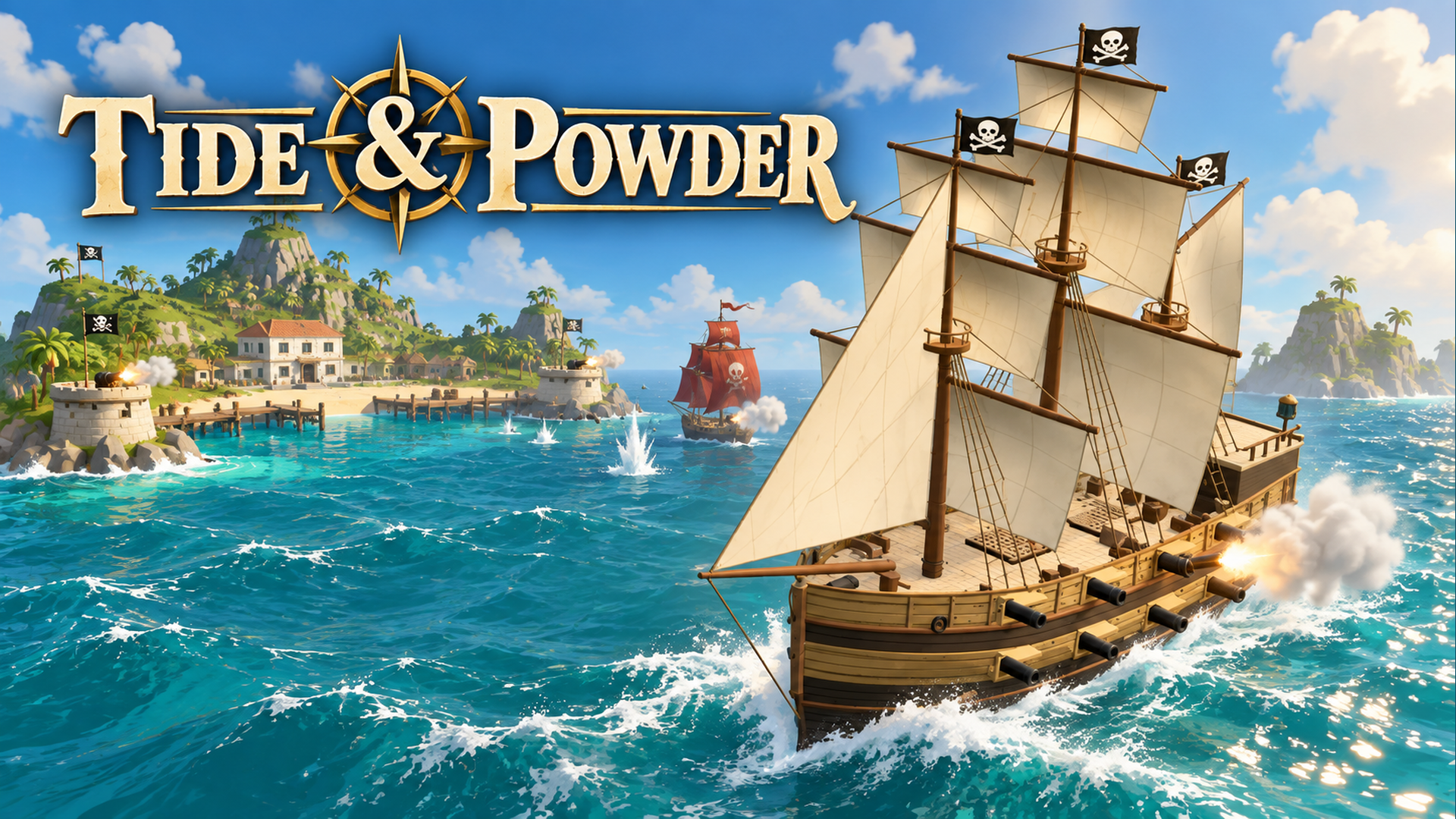
Tide & Powder
 ▶ Play Tide & Powder
Open the game in Crystal Arcade’s player to play, join its chat and read community comments.
About the game
Tide & Powder is listed in the action category and is provided through Playgama. The available catalog entry does not include a detailed gameplay synopsis; check the game’s own instructions and original source for its objectives.
How to play
Take command of your own pirate warship! Read the wind, steer through island waters and line up your cannons to defeat enemy ships. Sail close to their wrecks to collect gold and upgrades, then visit harbours to repair your hull and buy stronger ships. Complete the operation objectives, destroy the pirate island's defensive batteries and take down its central powder magazine to win the operation. Desktop Controls: A / Left Arrow: Steer left. D / Right Arrow: Steer right. Q: Fire the port (left) broadside. E: Fire the starboard (right) broadside. W: Fire the bow (front) guns. S: Fire the stern (rear) guns. 1: Furl the sails. 2: Set half sails. 3: Set full sails. Spacebar: Cycle between sail settings. F: Collect nearby wrecks, enter a nearby harbour or refloat when prompted. Esc / P: Pause the game. Mouse: Click on-screen controls, choose upgrades and use harbour menus. Mobile Controls: Steering Buttons: Press and hold the left or right steering control to turn your ship. Sail Control: Tap to cycle sail settings, or choose furled, half or full sails when the three buttons are shown. Cannon Buttons: Tap the corresponding gun bank to fire when it is ready. Interaction Prompt: Tap when close to a wreck or harbour to collect salvage or dock. Upgrade Cards: Tap a card to choose an upgrade. Harbour Menu: Tap repair or ship options to spend your gold. Pause Button: Tap to pause, resume or change the sound setting. Tip: Watch the wind direction and each gun bank's reload. Turn to bring your broadside into position, and keep clear of islands while manoeuvring. Progress saves automatically; select Continue to return to your voyage.
Use the player’s display buttons for a larger view. Controller and touch support depend on the game; check its own instructions before starting.
Credits & original source
- Developer
- Not verified — see original source
- Publisher
- Playgama partner catalog
- Original release
- Not verified
- Provider
- Playgama
Game content belongs to its respective rights holders. For credit corrections, permission changes or removal requests, contact Crystal Arcade.