
Action · Playgama
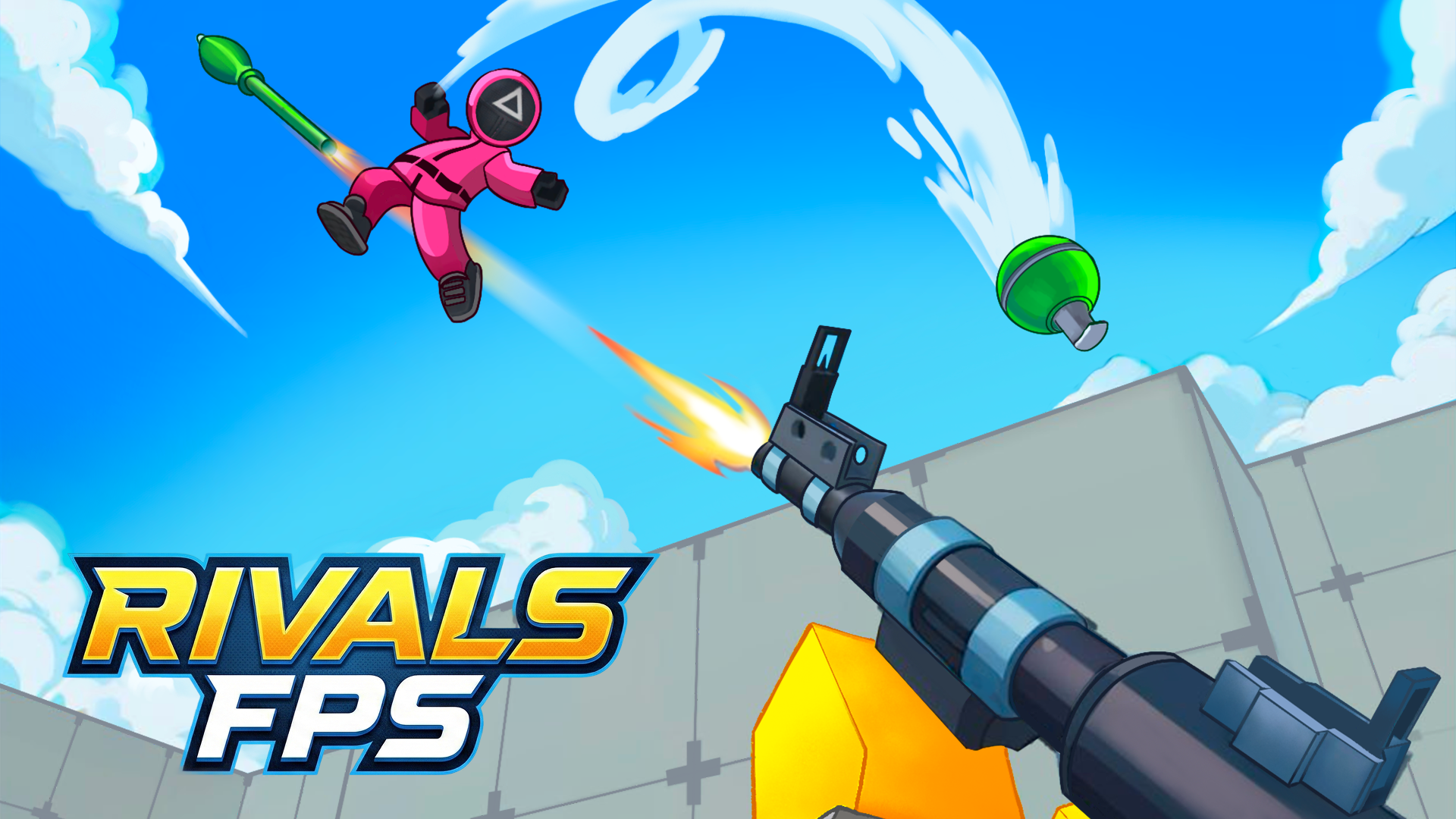
RIVALS FPS: Online Shooter
 ▶ Play RIVALS FPS: Online Shooter
Open the game in Crystal Arcade’s player to play, join its chat and read community comments.
About the game
💥Welcome to the world of "RIVALS FPS: Online Shooter" — a new free multiplayer online shooter where fun battles, cool guns, and a real arena of clashes await you!
How to play
To start a game, create a map or join other players. The controls are the same as in many top shooters. On PC: - Movement - WASD - Camera rotation - Using the mouse - Jump - Space - Crouch - C - Interact with objects - E On mobile: - Movement - Virtual joystick on the left - Camera rotation - Swipes on the right side of the screen - Jump, reload using virtual buttons
Use the player’s display buttons for a larger view. Controller and touch support depend on the game; check its own instructions before starting.
Your first round
💥Welcome to the world of "RIVALS FPS: Online Shooter" — a new free multiplayer online shooter where fun battles, cool guns, and a real arena of clashes await you!
- Read the game description and control instructions below before launching.
- To start a game, create a map or join other players. The controls are the same as in many top shooters. On PC: - Movement - WASD - Camera rotation - Using the mouse - Jump - Space - Crouch - C - Interact with objects - E On mobile: - Movement - Virtual joystick on the left - Camera rotation - Swipes on the right side of the screen - Jump, reload using virtual buttons
- Follow the objective and progress information shown inside the game.
Controls
To start a game, create a map or join other players. The controls are the same as in many top shooters. On PC: - Movement - WASD - Camera rotation - Using the mouse - Jump - Space - Crouch - C - Interact with objects - E On mobile: - Movement - Virtual joystick on the left - Camera rotation - Swipes on the right side of the screen - Jump, reload using virtual buttons
Do I need an account?
You can launch this game from Crystal Arcade as a guest.
What if the game does not load?
Return to the player and use its original-source link, or choose another game. External loading progress and provider availability cannot be controlled by Crystal Arcade.
Guide checked against the available game instructions and credited provider information. Updated November 2, 2026. Device support is not claimed without testing.
Credits & original source
- Developer
- Not verified — see original source
- Publisher
- Playgama partner catalog
- Original release
- Not verified
- Provider
- Playgama
Game content belongs to its respective rights holders. For credit corrections, permission changes or removal requests, contact Crystal Arcade.