
Puzzle · Playgama
Fruit Lane Cafe
 ▶ Play Fruit Lane Cafe
Open the game in Crystal Arcade’s player to play, join its chat and read community comments.
About the game
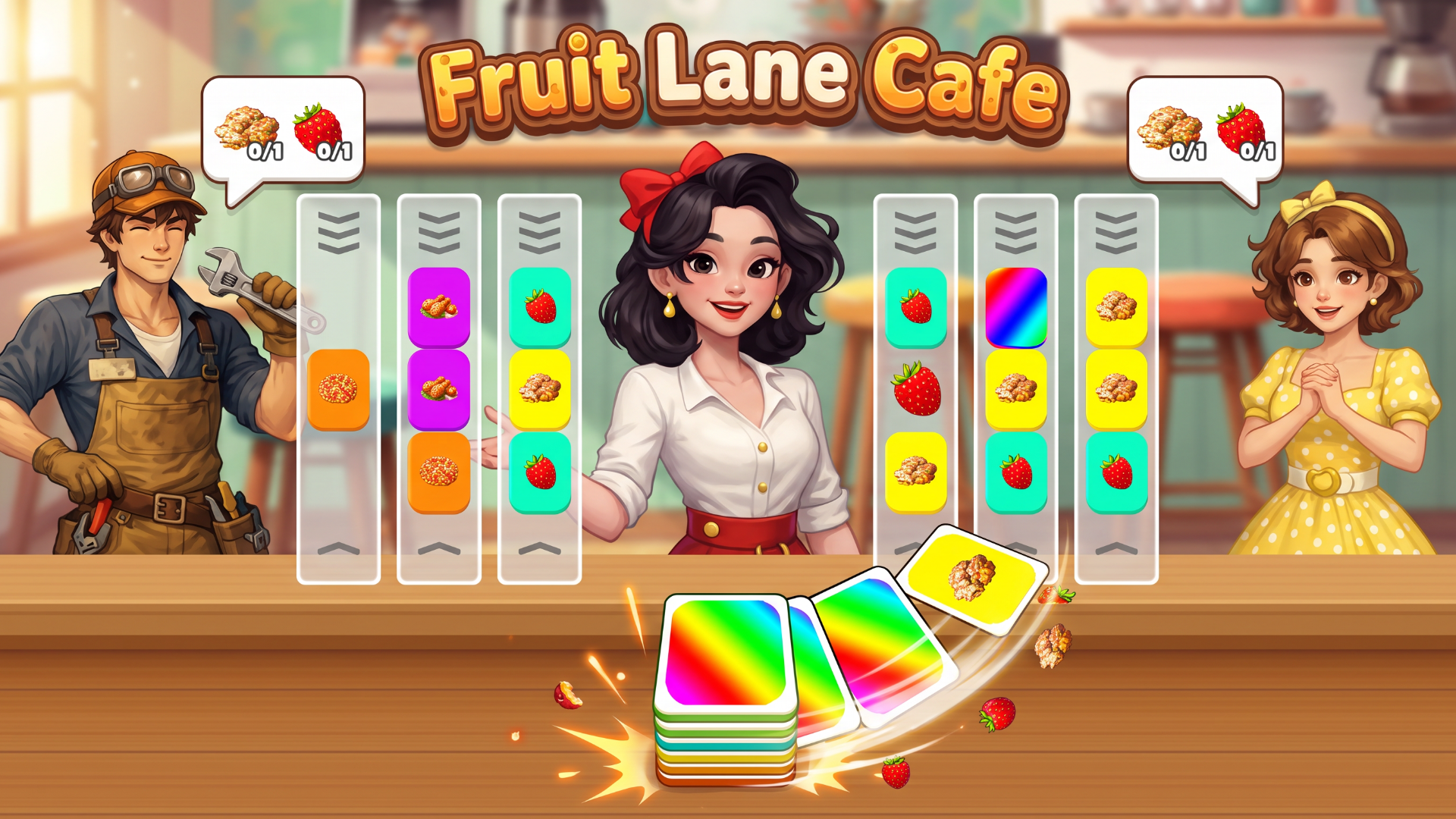
Fruit Lane Cafe is a colorful card-sorting puzzle game with a busy shop twist.
How to play
Click Play and select an unlocked level. On desktop, use the left mouse button; on mobile, tap the screen. Click or tap a lane to slide the card from the bottom slot into it and move the outgoing card into the slot. Match the cards across an entire lane to clear the set and fill a customer's order. The multicolored spare card must be moved out of a lane before that lane can clear. Complete all customer orders before the timer runs out to win. Earn coins and stars, progress to new levels, and use unlocked boosters when you need help. Optional rewarded videos can provide extra coins or boosters. Use the on-screen settings to adjust music and sound. No keyboard shortcuts are required.
Use the player’s display buttons for a larger view. Controller and touch support depend on the game; check its own instructions before starting.
Credits & original source
- Developer
- Not verified — see original source
- Publisher
- Playgama partner catalog
- Original release
- Not verified
- Provider
- Playgama
Game content belongs to its respective rights holders. For credit corrections, permission changes or removal requests, contact Crystal Arcade.