
Puzzle · Playgama
Chess Online Playing
 ▶ Play Chess Online Playing
Open the game in Crystal Arcade’s player to play, join its chat and read community comments.
About the game
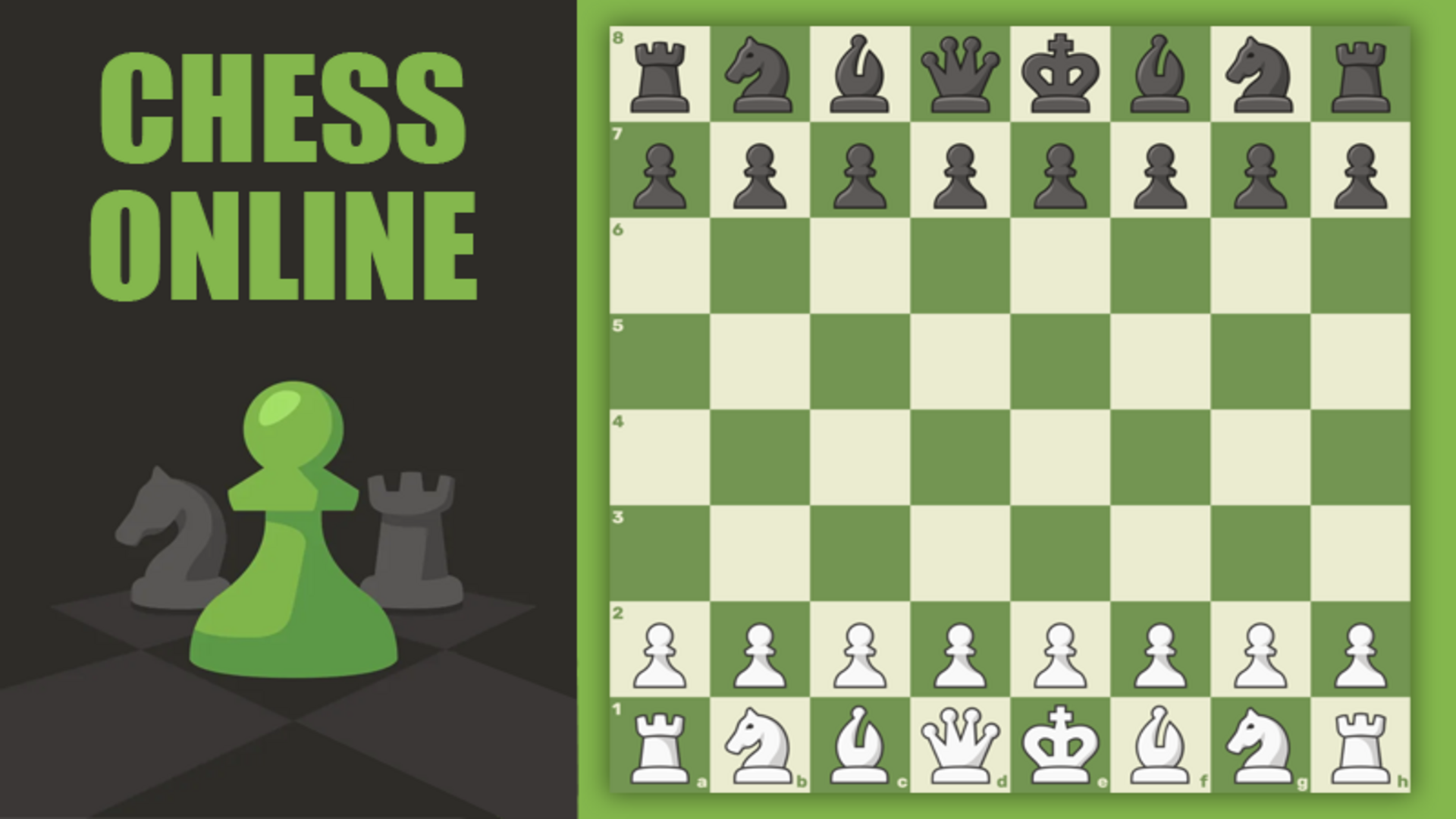
"Chess Online Playing" is the best free online chess with a computer with full functionality for amateurs and professionals.
How to play
Click "Play" in the main menu and select the mode: online, with a computer or with a friend. To make a move, click on your piece and then on the destination square. The goal of the game is to checkmate the opponent's king or win in time. To change (mix) the appearance of the pieces and the board, open the "Themes" section and select the desired options in the "Shape type" and "Board type" blocks.
Use the player’s display buttons for a larger view. Controller and touch support depend on the game; check its own instructions before starting.
Your first round
"Chess Online Playing" is the best free online chess with a computer with full functionality for amateurs and professionals.
- Read the game description and control instructions below before launching.
- Click "Play" in the main menu and select the mode: online, with a computer or with a friend. To make a move, click on your piece and then on the destination square. The goal of the game is to checkmate the opponent's king or win in time. To change (mix) the appearance of the pieces and the board, open the "Themes" section and select the desired options in the "Shape type" and "Board type" blocks.
- Follow the objective and progress information shown inside the game.
Controls
Click "Play" in the main menu and select the mode: online, with a computer or with a friend. To make a move, click on your piece and then on the destination square. The goal of the game is to checkmate the opponent's king or win in time. To change (mix) the appearance of the pieces and the board, open the "Themes" section and select the desired options in the "Shape type" and "Board type" blocks.
Do I need an account?
You can launch this game from Crystal Arcade as a guest.
What if the game does not load?
Return to the player and use its original-source link, or choose another game. External loading progress and provider availability cannot be controlled by Crystal Arcade.
Guide checked against the available game instructions and credited provider information. Updated November 2, 2026. Device support is not claimed without testing.
Credits & original source
- Developer
- Not verified — see original source
- Publisher
- Playgama partner catalog
- Original release
- Not verified
- Provider
- Playgama
Game content belongs to its respective rights holders. For credit corrections, permission changes or removal requests, contact Crystal Arcade.