
Action · Playgama
Shoot The Blocks
 ▶ Play Shoot The Blocks
Open the game in Crystal Arcade’s player to play, join its chat and read community comments.
About the game
Shoot The Blocks is listed in the action category and is provided through Playgama. The available catalog entry does not include a detailed gameplay synopsis; check the game’s own instructions and original source for its objectives.
How to play
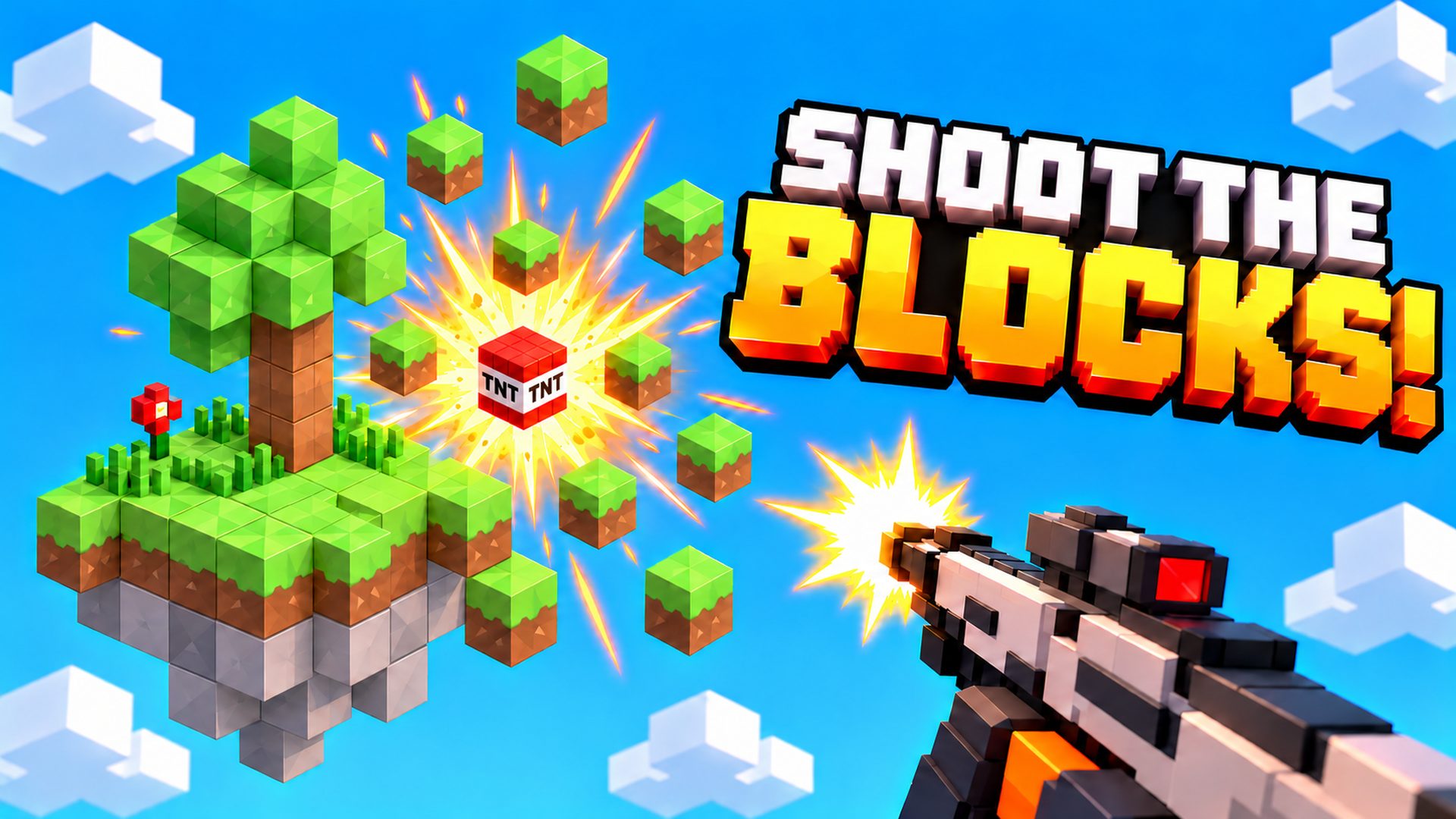
🎯 Clear the island Destroy every block to complete a location and move on. Your ammo is limited, so make each shot count! 🛒 Upgrade and try again Out of ammo? Destroyed blocks stay gone. Visit the shop, upgrade your weapons, and finish the job. 🖱️ Mouse & keyboard - Hold left mouse button: shoot. - A / D: rotate the camera. - W / S: tilt the camera. - + / −: zoom. - F: reset the camera. - 1–9, Q / E, or mouse wheel: switch weapons. - Esc: pause. 📱 Touch controls Hold a finger on blocks to shoot. Use two fingers to rotate and zoom, or use the camera buttons at the bottom right.
Use the player’s display buttons for a larger view. Controller and touch support depend on the game; check its own instructions before starting.
Credits & original source
- Developer
- Not verified — see original source
- Publisher
- Playgama partner catalog
- Original release
- Not verified
- Provider
- Playgama
Game content belongs to its respective rights holders. For credit corrections, permission changes or removal requests, contact Crystal Arcade.