
Creative · Playgama
The Flowers Merge and Sell Bouquets
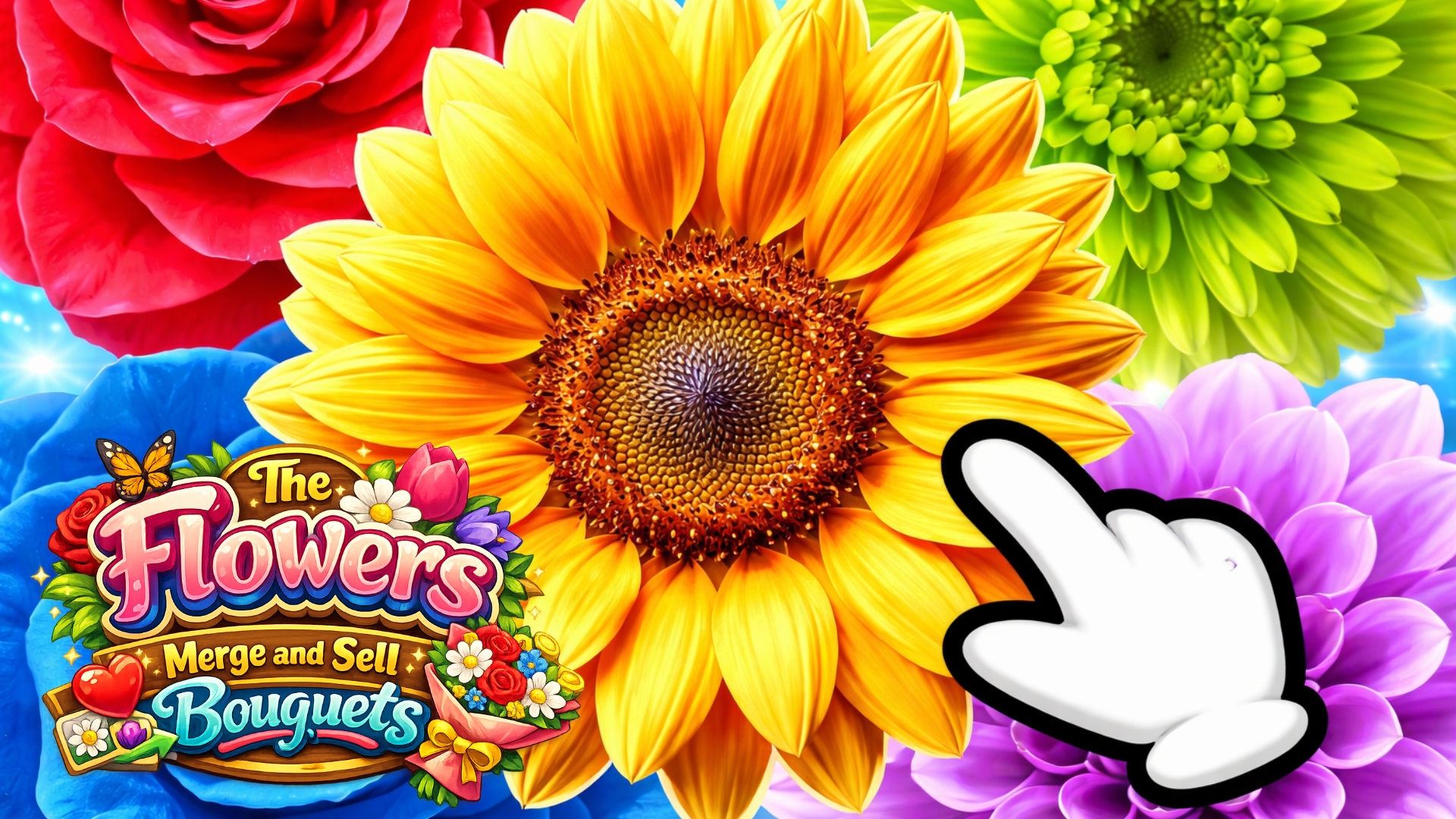 ▶ Play The Flowers Merge and Sell Bouquets
Open the game in Crystal Arcade’s player to play, join its chat and read community comments.
About the game
Combine flowers in the relaxing atmosphere of a summer garden and earn coins!
How to play
1. The entire game takes place in a doorway-shaped play area. 2. A flower appears at the top, which moves with your finger or mouse cursor. 3. Release the mouse button or your finger to make the flower fly down. 4. Make the identical flowers collide and then they will join together to become another flower. 5. When the letter icon appears at the top of the screen, it means you have received an order for a new bouquet.
Use the player’s display buttons for a larger view. Controller and touch support depend on the game; check its own instructions before starting.
Credits & original source
- Developer
- Not verified — see original source
- Publisher
- Playgama partner catalog
- Original release
- Not verified
- Provider
- Playgama
Game content belongs to its respective rights holders. For credit corrections, permission changes or removal requests, contact Crystal Arcade.