
Arcade · Playgama
Restore Lab
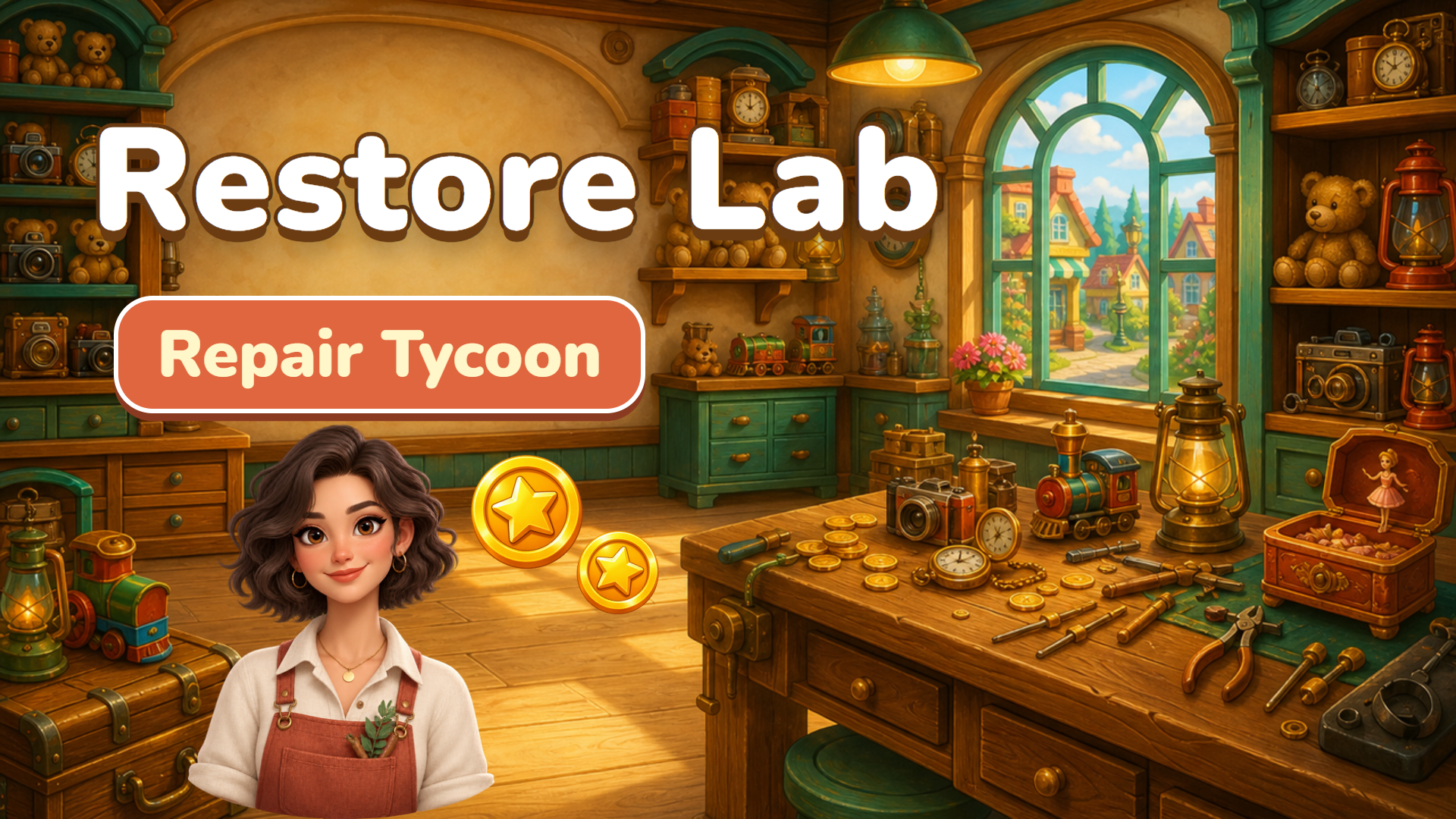 ▶ Play Restore Lab
Open the game in Crystal Arcade’s player to play, join its chat and read community comments.
About the game
Restore Lab is listed in the arcade category and is provided through Playgama. The available catalog entry does not include a detailed gameplay synopsis; check the game’s own instructions and original source for its objectives.
How to play
1. Tap an item on a workbench to repair it and earn coins. Tap quickly to fill the rush meter for double income. 2. Press Upgrade to raise a bench's level and earnings. At levels 25, 50, 100, 200 and beyond the bench works twice as fast. 3. Hire a helper so the bench works on its own, including while you are offline. 4. Open new benches for more valuable items, and buy Tools for permanent multipliers. 5. Complete Goals for bonus coins. Use Buy x1 / x10 / MAX to upgrade in bulk. 6. Open the Map to move to a new district when you have earned enough: income is multiplied and you keep a permanent perk. 7. When a collector arrives, repair the item by hand: pick a tool and drag over the object to wash, scrape, glue and polish. Controls: mouse or touch. Progress saves automatically. Language: English or Russian in Settings.
Use the player’s display buttons for a larger view. Controller and touch support depend on the game; check its own instructions before starting.
Credits & original source
- Developer
- Not verified — see original source
- Publisher
- Playgama partner catalog
- Original release
- Not verified
- Provider
- Playgama
Game content belongs to its respective rights holders. For credit corrections, permission changes or removal requests, contact Crystal Arcade.