
Platformer · Playgama
Obby Keyboard Worlds: +1 Speed & Jump
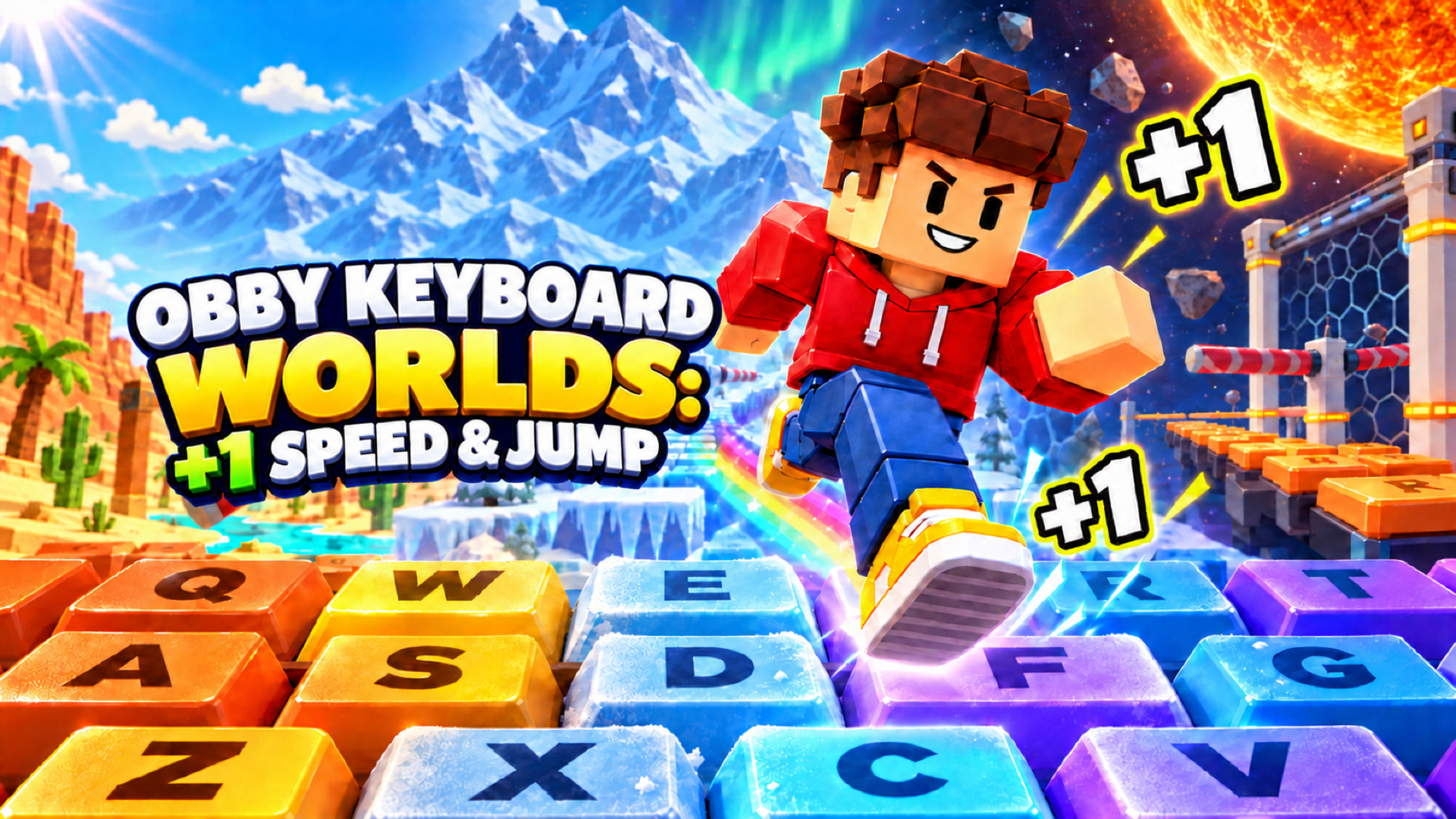 ▶ Play Obby Keyboard Worlds: +1 Speed & Jump
Open the game in Crystal Arcade’s player to play, join its chat and read community comments.
About the game
Obby Keyboard Worlds: +1 Speed & Jump is listed in the platformer category and is provided through Playgama. The available catalog entry does not include a detailed gameplay synopsis; check the game’s own instructions and original source for its objectives.
How to play
Desktop • WASD or arrow keys: move. • Space: jump. Press again or hold to use your available midair jumps. • Mouse: look around. When the cursor is visible, hold the right mouse button and drag to rotate the camera. • Mouse wheel: zoom in or out. • Tab: show or hide the cursor. • Hold E near sneakers: buy or equip them. • Use the on-screen controls to adjust your speed and camera zoom. Mobile Use the joystick on the left to move and swipe on the right to look around. Tap the jump button to jump, or hold it to use your available midair jumps. Use the on-screen buttons and sliders to interact, adjust speed, and zoom.
Use the player’s display buttons for a larger view. Controller and touch support depend on the game; check its own instructions before starting.
Credits & original source
- Developer
- Not verified — see original source
- Publisher
- Playgama partner catalog
- Original release
- Not verified
- Provider
- Playgama
Game content belongs to its respective rights holders. For credit corrections, permission changes or removal requests, contact Crystal Arcade.