
Creative · Playgama
Mosaicat
 ▶ Play Mosaicat
Open the game in Crystal Arcade’s player to play, join its chat and read community comments.
About the game
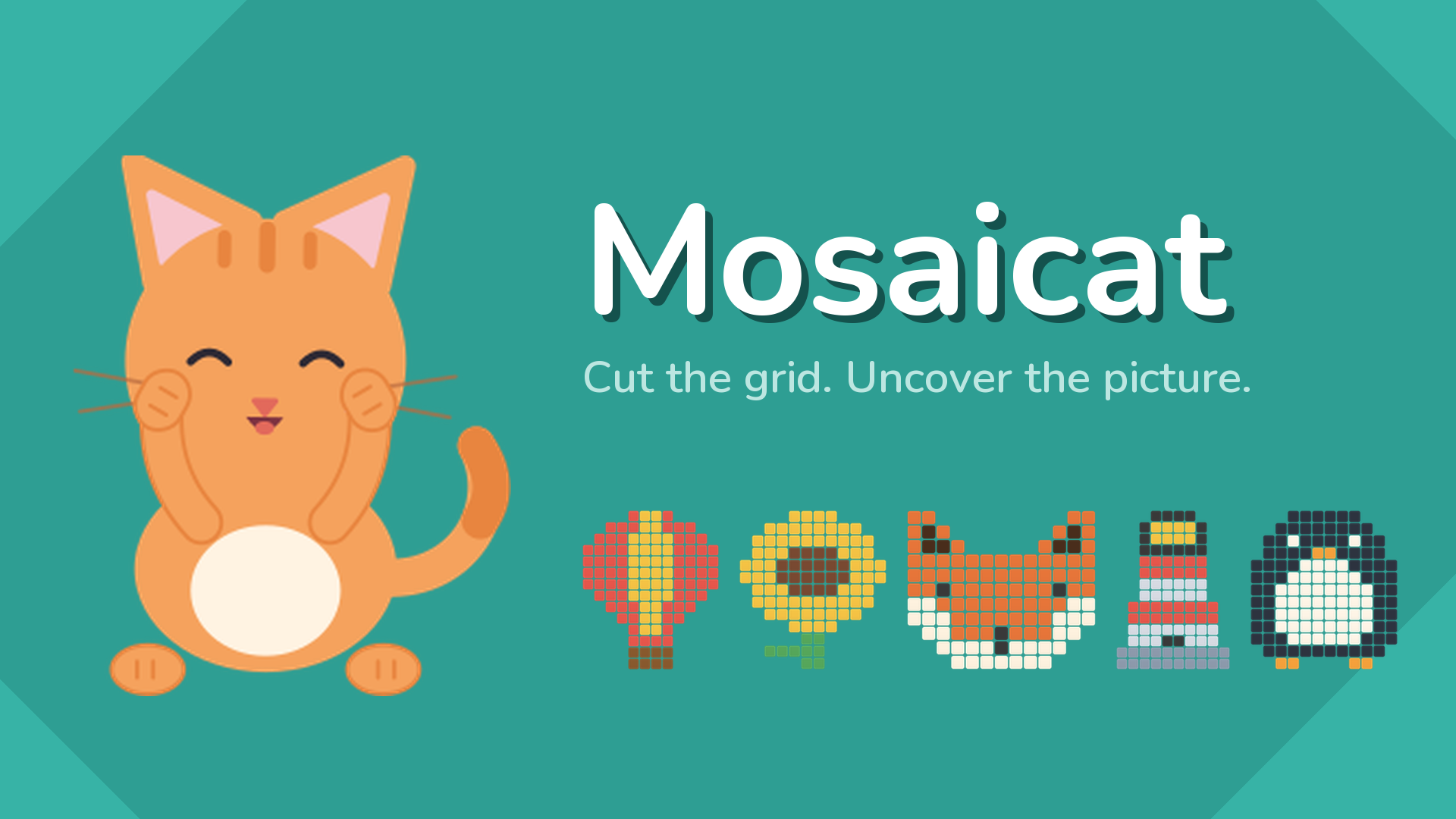
Cut the grid into rectangles and uncover the picture hiding underneath.
How to play
The board is covered in tiles, and some of them carry a number. Every number is the size of the rectangle it belongs to. 1. Find a number and work out where its rectangle can fit. A 6 needs six squares: 1x6, 2x3, 3x2 or 6x1. 2. Drag across the grid to draw that rectangle, and release to place it. 3. The tiles it covered turn into part of the hidden picture. 4. Repeat until every square on the board is inside a rectangle. Rules: Each rectangle covers exactly one number. That number is how many squares the rectangle covers. Rectangles never overlap. Every square ends up inside one. A rectangle that does not belong is refused. Nothing is lost and nothing is counted against you - draw another one. Stuck? The hint button opens one rectangle for you. You have three, and after that a short video buys another. Desktop Controls: Mouse drag: Hold the left button and drag across the grid to draw a rectangle. Release: Place the rectangle. Hint button: Opens one rectangle for you. Restart button: Clears the board and starts the same puzzle again. Settings button: Sound, music, and ten colour themes. Mobile Controls: Touch drag: Press and drag across the grid to draw a rectangle. Lift your finger: Place the rectangle. Hint button: Tap to open one rectangle.
Use the player’s display buttons for a larger view. Controller and touch support depend on the game; check its own instructions before starting.
Credits & original source
- Developer
- Not verified — see original source
- Publisher
- Playgama partner catalog
- Original release
- Not verified
- Provider
- Playgama
Game content belongs to its respective rights holders. For credit corrections, permission changes or removal requests, contact Crystal Arcade.