
Creative · Playgama
Lanternbloom
 ▶ Play Lanternbloom
Open the game in Crystal Arcade’s player to play, join its chat and read community comments.
About the game
Lanternbloom is listed in the creative category and is provided through Playgama. The available catalog entry does not include a detailed gameplay synopsis; check the game’s own instructions and original source for its objectives.
How to play
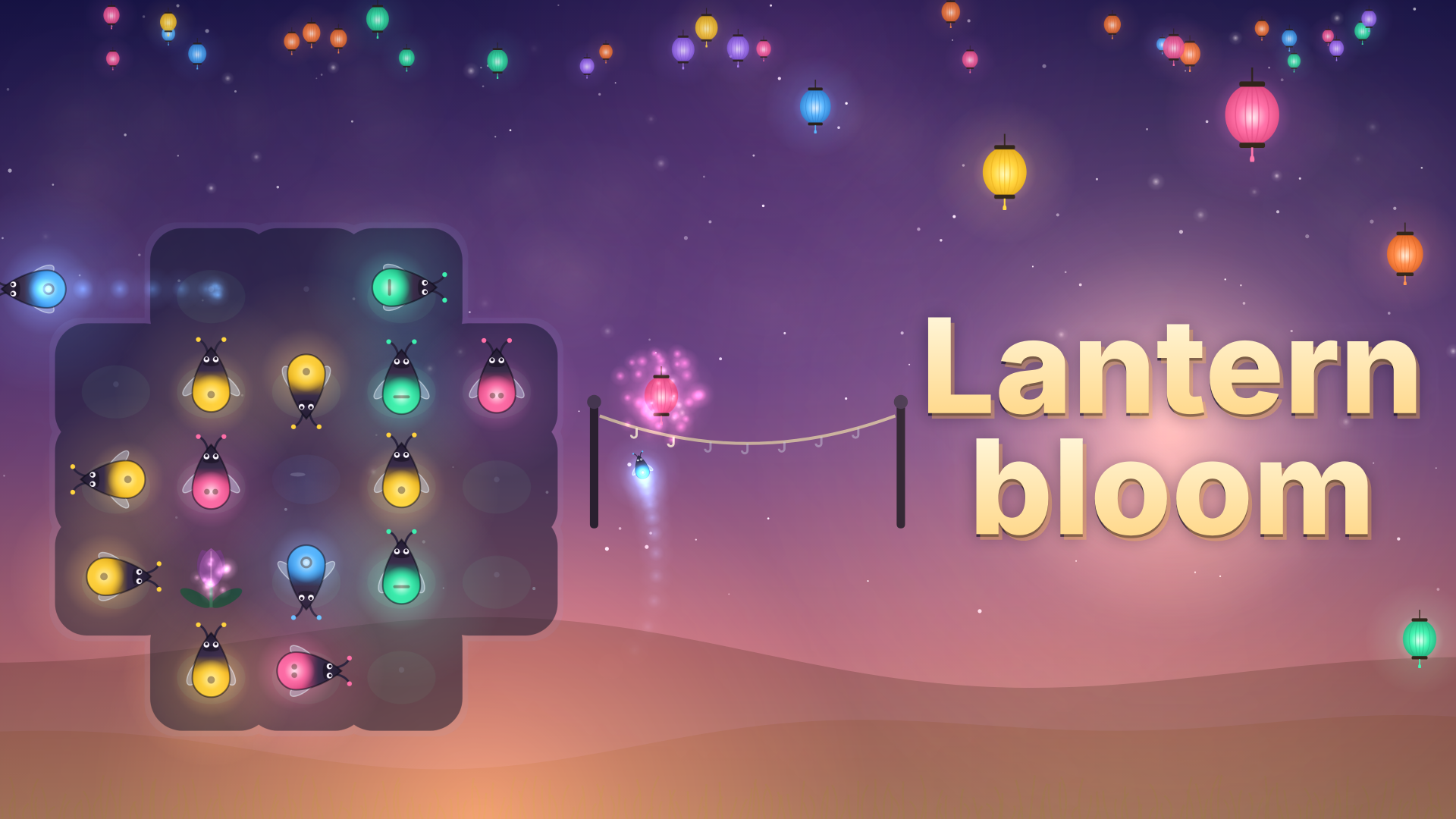
Mouse: click a firefly to send it flying. The buttons around the string undo, restart and show a hint; the sound button (top right) opens the Music and Effects switches, and the menu button (top left) leads back. Touch: tap a firefly; tap the same buttons. Keyboard: In a level: arrow keys or W/A/S/D move a highlight over the board, and Enter or Space sends the highlighted firefly. U, Z or Backspace undo; R restarts; H shows a hint; M mutes. On a panel: Enter or Space picks the first button that is not an ad (the keyboard never starts an ad); R retries or replays; Escape closes the hint offer. Title screen: Enter or Space plays, L opens the levels, D the daily meadow. Level select: ←/→ turn the chapter, Enter plays the newest level, Backspace goes back.
Use the player’s display buttons for a larger view. Controller and touch support depend on the game; check its own instructions before starting.
Credits & original source
- Developer
- Not verified — see original source
- Publisher
- Playgama partner catalog
- Original release
- Not verified
- Provider
- Playgama
Game content belongs to its respective rights holders. For credit corrections, permission changes or removal requests, contact Crystal Arcade.