
Match 3 · Playgama
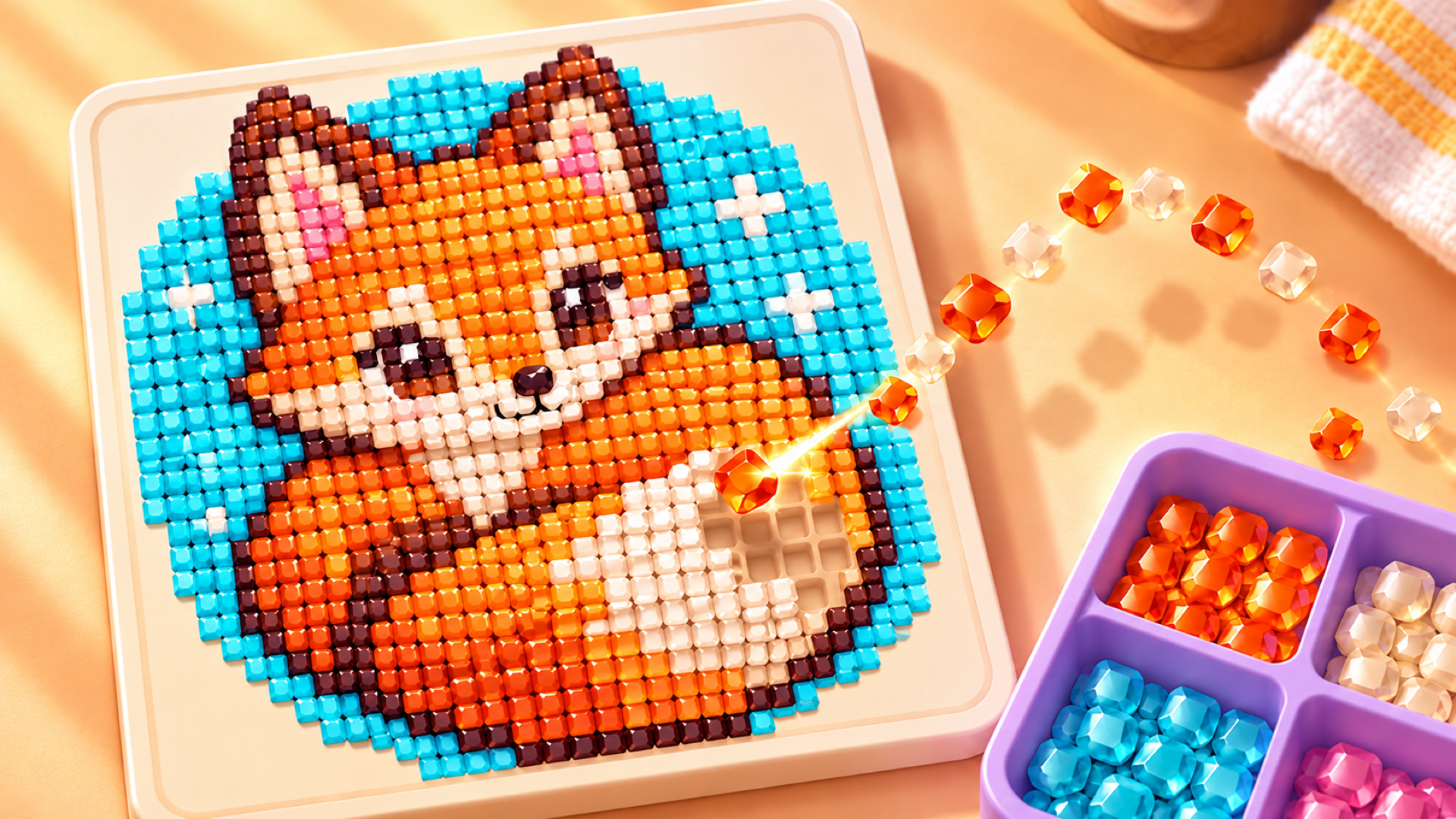
Jewel Coloring
 ▶ Play Jewel Coloring
Open the game in Crystal Arcade’s player to play, join its chat and read community comments.
About the game
Jewel Coloring is a colorful puzzle game where precious gems turn into vibrant mosaics.
How to play
Place gems in cells of the matching color to complete a diamond picture. Select a gem, then select where you want to move it. Use the buffer below the board for temporary storage. Once all gems of one color are in place, extra buffer slots unlock. Watch an ad to get even more space. The wand, broom, and magnet can help you out of tricky situations. On mobile, tap to select and move gems. Drag with one finger to move the board, and pinch with two fingers to zoom in or out. On a computer, use the left mouse button to select and move gems. Hold the left mouse button and drag to move the board. Use the mouse wheel to zoom in or out.
Use the player’s display buttons for a larger view. Controller and touch support depend on the game; check its own instructions before starting.
Credits & original source
- Developer
- Not verified — see original source
- Publisher
- Playgama partner catalog
- Original release
- Not verified
- Provider
- Playgama
Game content belongs to its respective rights holders. For credit corrections, permission changes or removal requests, contact Crystal Arcade.