
Creative · Playgama
Jelly Sandbox Playground
 ▶ Play Jelly Sandbox Playground
Open the game in Crystal Arcade’s player to play, join its chat and read community comments.
About the game
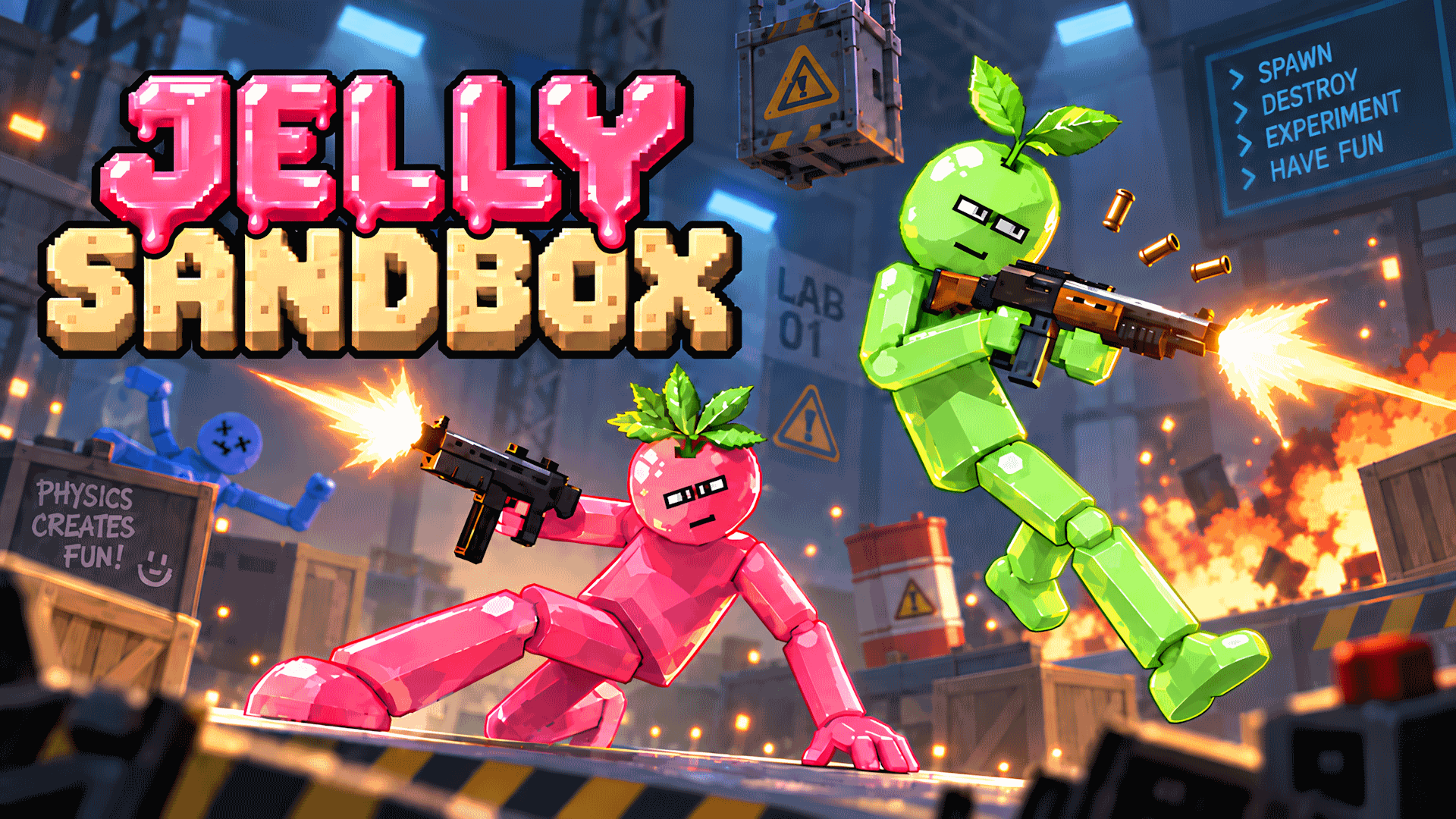
Jelly Sandbox is a 2D ragdoll sandbox where you can create your own scenes, experiment with characters, weapons, objects, and vehicles, and enjoy realistic physics intera…
How to play
Choose a character, object, weapon, or vehicle and place it on the game scene. Drag and move objects, collide them with each other, and watch the ragdoll physics react in real time. Create any situation you want: place characters, add weapons and props, launch objects, and build your own battles or experiments. There is no required objective — you are free to play the way you like. Use the interface to select and place objects. On desktop, the game is controlled with a mouse. On mobile devices, use touch controls.
Use the player’s display buttons for a larger view. Controller and touch support depend on the game; check its own instructions before starting.
Your first round
Jelly Sandbox is a 2D ragdoll sandbox where you can create your own scenes, experiment with characters, weapons, objects, and vehicles, and enjoy realistic physics intera…
- Read the game description and control instructions below before launching.
- Choose a character, object, weapon, or vehicle and place it on the game scene. Drag and move objects, collide them with each other, and watch the ragdoll physics react in real time. Create any situation you want: place characters, add weapons and props, launch objects, and build your own battles or experiments. There is no required objective — you are free to play the way you like. Use the interface to select and place objects. On desktop, the game is controlled with a mouse. On mobile devices, use touch controls.
- Follow the objective and progress information shown inside the game.
Controls
Choose a character, object, weapon, or vehicle and place it on the game scene. Drag and move objects, collide them with each other, and watch the ragdoll physics react in real time. Create any situation you want: place characters, add weapons and props, launch objects, and build your own battles or experiments. There is no required objective — you are free to play the way you like. Use the interface to select and place objects. On desktop, the game is controlled with a mouse. On mobile devices, use touch controls.
Do I need an account?
You can launch this game from Crystal Arcade as a guest.
What if the game does not load?
Return to the player and use its original-source link, or choose another game. External loading progress and provider availability cannot be controlled by Crystal Arcade.
Guide checked against the available game instructions and credited provider information. Updated November 2, 2026. Device support is not claimed without testing.
Credits & original source
- Developer
- Not verified — see original source
- Publisher
- Playgama partner catalog
- Original release
- Not verified
- Provider
- Playgama
Game content belongs to its respective rights holders. For credit corrections, permission changes or removal requests, contact Crystal Arcade.