
Arcade · Playgama
Flippee Ball
 ▶ Play Flippee Ball
Open the game in Crystal Arcade’s player to play, join its chat and read community comments.
About the game
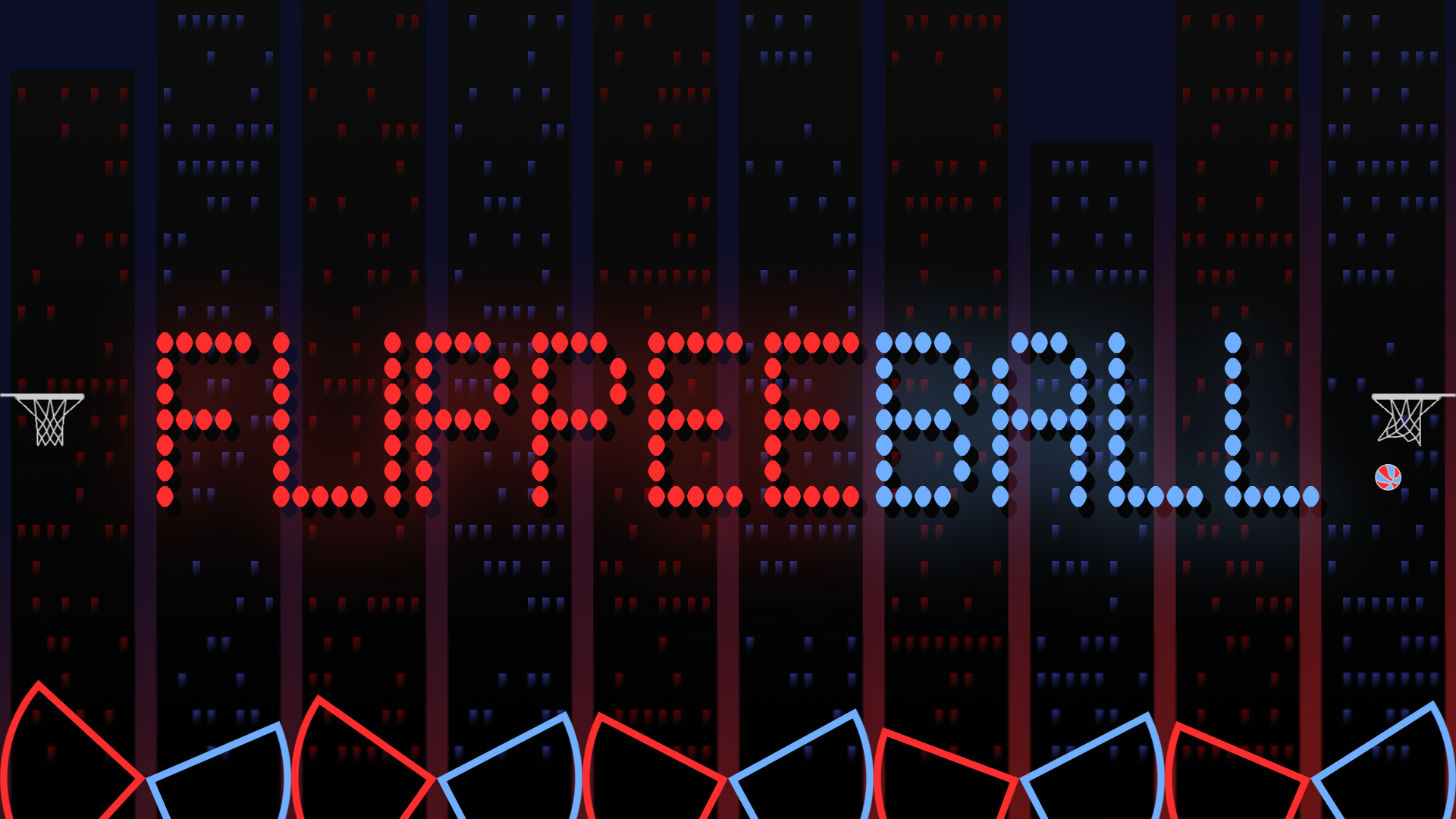
A HYBRID ARCADE GAME OF PINBALL & BASKETBALL -Flip the flippers and try to hit the ball into the basket.
How to play
You control one set of flippers - either red or blue. Flipping uses just one button and flips all five of your flippers. See if you have what it takes to beat the computer. The default settings are "AMATEUR" speed against the computer on "EASY" difficulty with "AIM ASSIST" enabled (this gives you a little help with shot accuracy). Once you feel comfortable, try the other difficulties, "PROFFESSIONAL" speed, then switch "AIM ASSIST" off! If that's not enough, try the "FLIPPEE ACADEMY" - 100 levels (50 each at "AMATEUR" & "PROFESSIONAL" speeds) where the ball is launched and you must try to score - but each level only allows for a certain number of touches - and you must score before the ball hits your opponent's flippers. Navigate menus using: - Mouse - Touch - Keyboard (arrow keys and space to action) - Controller - direction pad and any of the main four buttons Use the game mode button to the left of the scoreboard to select between 7 game modes: - Longest Streak - see how many games in a row you can win against the computer: - Easy - Medium - Hard - Progressive (difficulty increases with every game) - Career - difficulty increases with every game, but losing doesn't reset progress - Player v Player - play against another human on the same device - Academy - 100 "assists" for you to try to score from To flip: Single player: - Mouse - click the screen - Touch - tap the screen - Keyboard - LEFT CTRL - Controller - any of the four main buttons Player vs Player: - Mouse - click the top left or top right of the screen to control either the left or right flippers - Touch - tap the top left or top right of the screen - Keyboard - LEFT CTRL (left flipper) & RIGHT ARROW (right flippers) - Controller - any of the four main buttons (supports 2 controllers for player v player) To pause: - Mouse - click the scoreboard - Touch - tap the scoreboard - Keyboard - Press "P" - Controller - "Start" button To win: SCORE MORE THAN YOUR OPPONENT! Change the game speed from "AMATEUR" to "PROFESSIONAL" and disable "AIM ASSIST" (if you're up for a challeng!) in the SETTINGS menu. A quick start guide is shown when the game is first run and full instructions can be found in the built-in help guide.
Use the player’s display buttons for a larger view. Controller and touch support depend on the game; check its own instructions before starting.
Credits & original source
- Developer
- Not verified — see original source
- Publisher
- Playgama partner catalog
- Original release
- Not verified
- Provider
- Playgama
Game content belongs to its respective rights holders. For credit corrections, permission changes or removal requests, contact Crystal Arcade.