
Arcade · Playgama
Dream Room
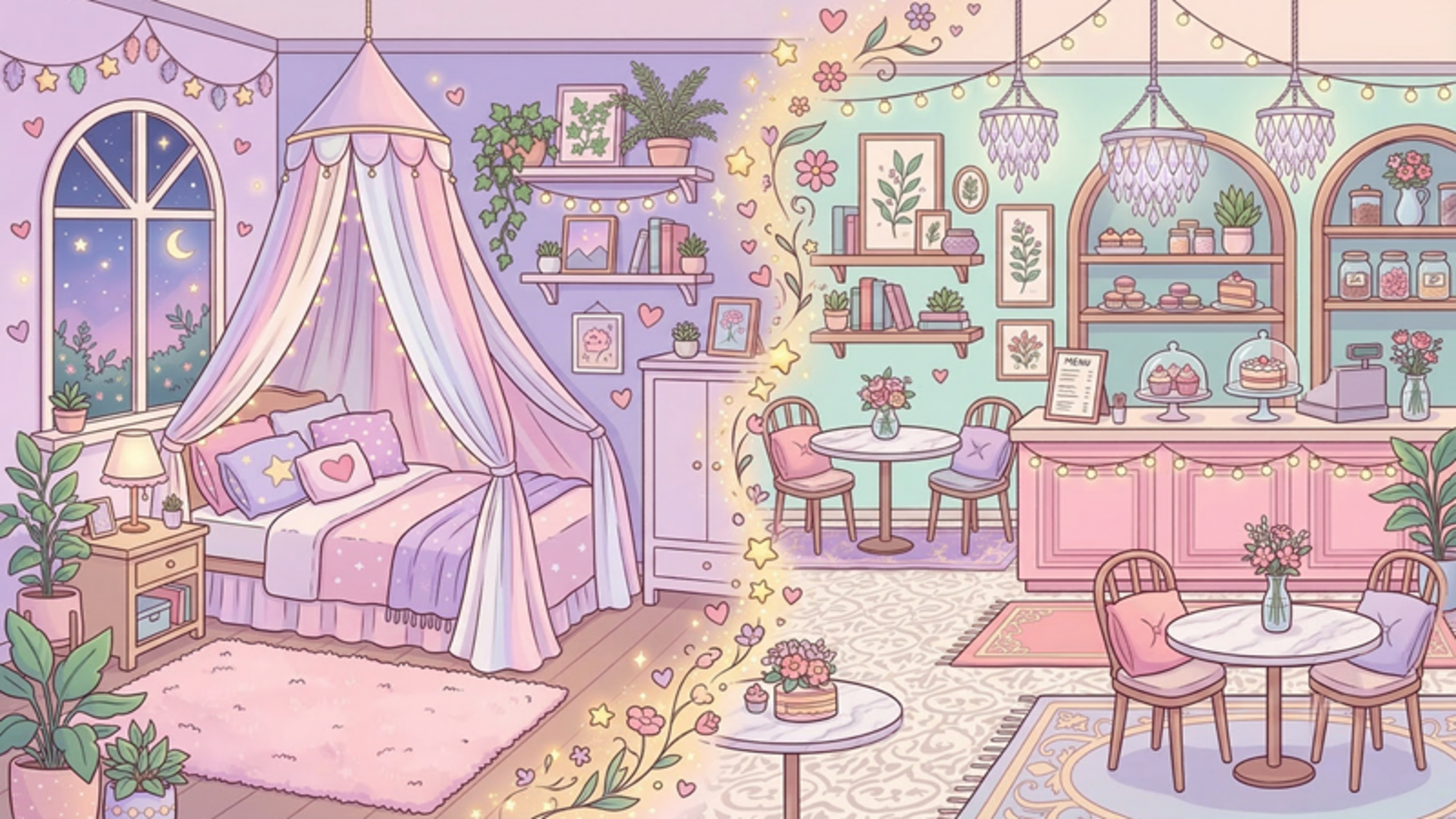 ▶ Play Dream Room
Open the game in Crystal Arcade’s player to play, join its chat and read community comments.
About the game
Six unique rooms await you: a cozy bedroom, a stylish living room, a magical nursery, a charming kitchen, an atmospheric café, and a sunny balcony.
How to play
1. Choose the room you want to decorate 2. At the bottom of the screen, select a category: walls, floors, furniture, décor, windows, and more 3. Tap an item in the catalog, then tap anywhere in the room — the item will appear there 4. Drag items wherever you like — total placement freedom 5. Save your design and earn coins for new items 6. Spend coins in the shop on new furniture, wallpapers, and rooms 7. Complete challenges — themed tasks with rewards
Use the player’s display buttons for a larger view. Controller and touch support depend on the game; check its own instructions before starting.
Credits & original source
- Developer
- Not verified — see original source
- Publisher
- Playgama partner catalog
- Original release
- Not verified
- Provider
- Playgama
Game content belongs to its respective rights holders. For credit corrections, permission changes or removal requests, contact Crystal Arcade.