
Arcade · Playgama
Catcha
 ▶ Play Catcha
Open the game in Crystal Arcade’s player to play, join its chat and read community comments.
About the game
Catcha is listed in the arcade category and is provided through Playgama. The available catalog entry does not include a detailed gameplay synopsis; check the game’s own instructions and original source for its objectives.
How to play
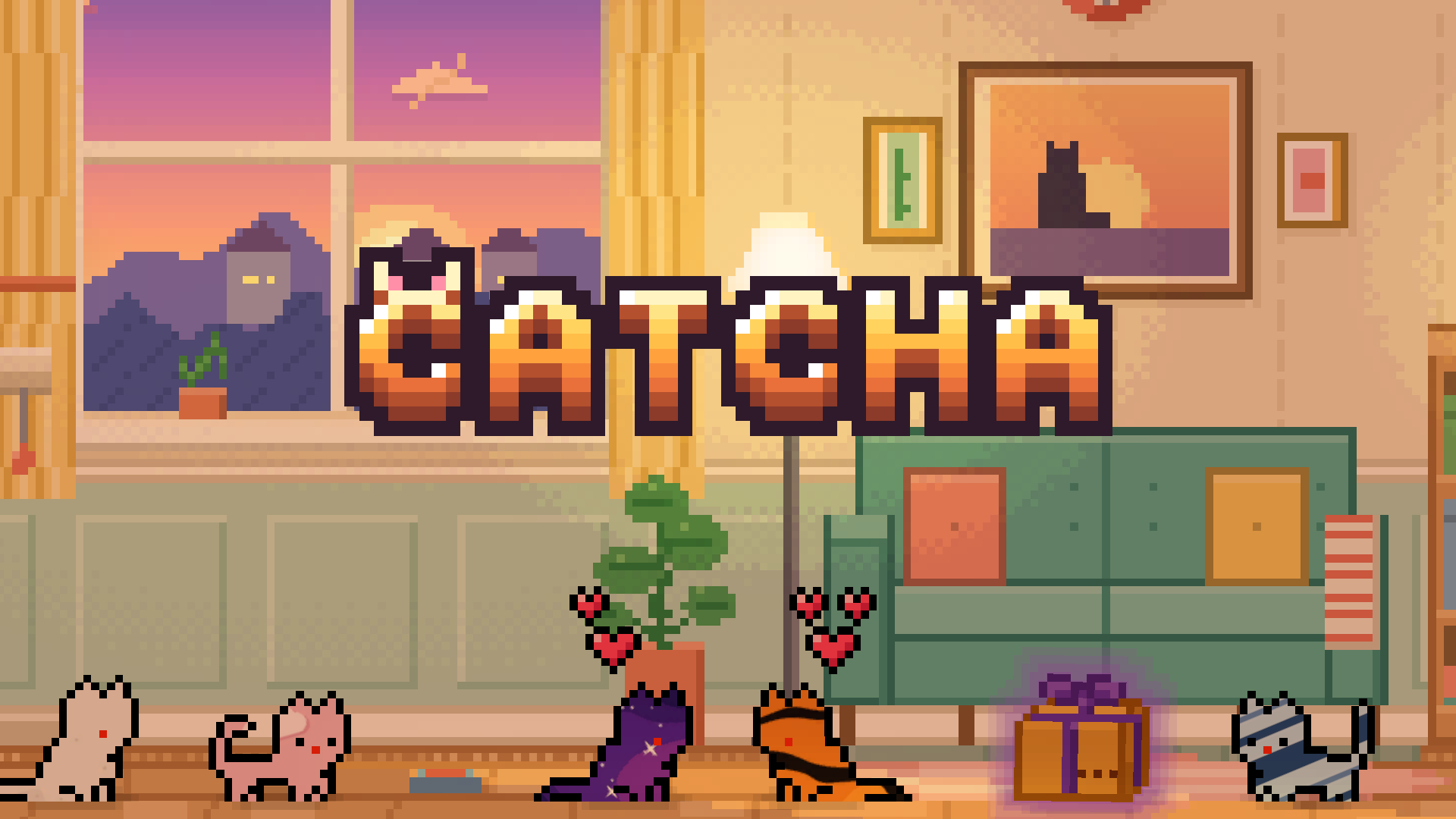
Collect as many cats as you can and complete the Album. Left click / tap to open gift boxes, buttons and menus. Drag a cat to pick it up and move it; release to drop it, or fling it to toss it. Put two cats that are ready for love (hearts above their heads) close together and they will make a gift box. Open boxes to get new cats, sell or buy them at the Auction, and level up.
Use the player’s display buttons for a larger view. Controller and touch support depend on the game; check its own instructions before starting.
Credits & original source
- Developer
- Not verified — see original source
- Publisher
- Playgama partner catalog
- Original release
- Not verified
- Provider
- Playgama
Game content belongs to its respective rights holders. For credit corrections, permission changes or removal requests, contact Crystal Arcade.